
Delivery
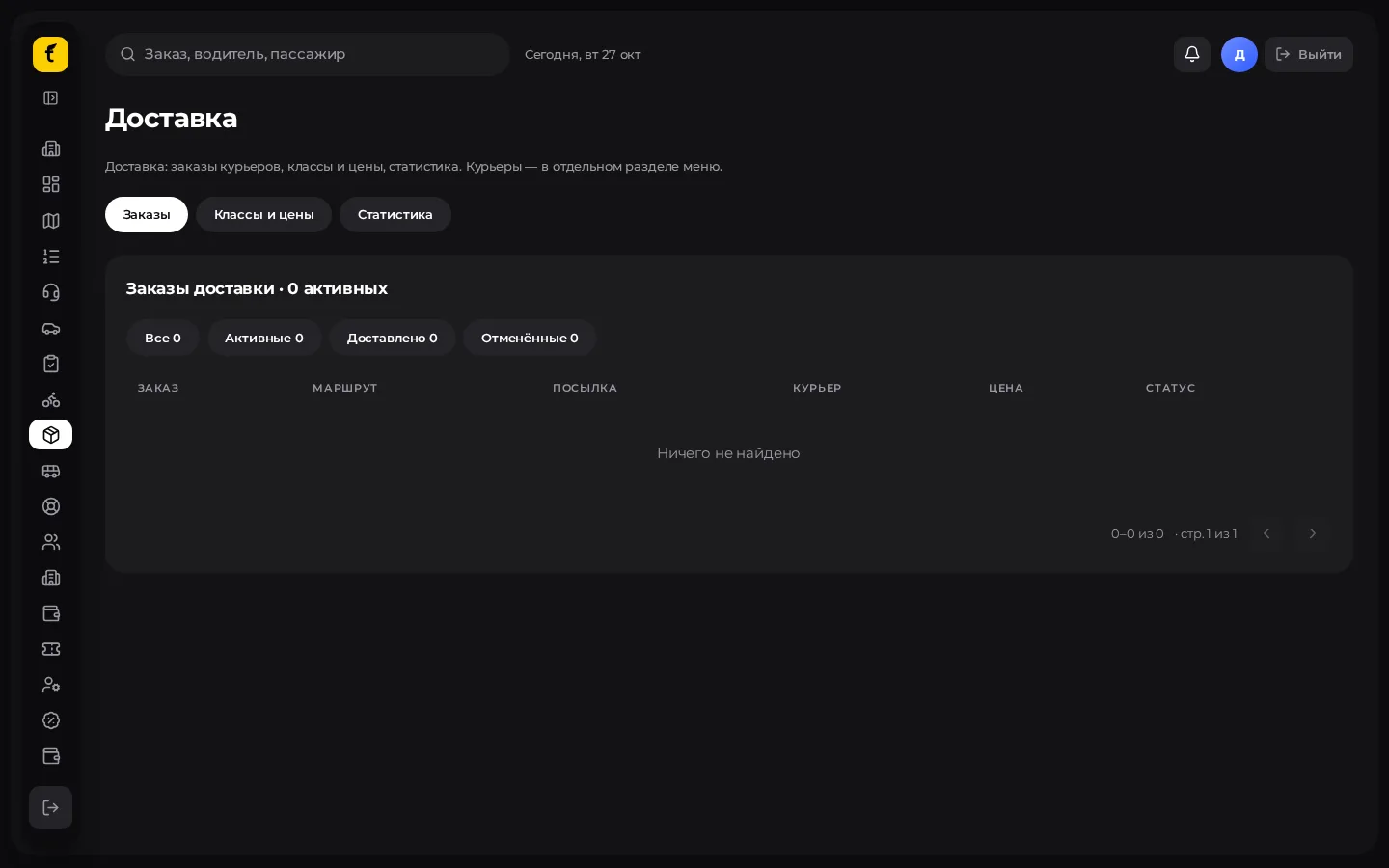
City parcel delivery: orders, parcel classes and prices, couriers (drivers in delivery mode). In the menu: Delivery («Доставка»).
Who can use it
The module must be enabled for the partner. Deliveries are done by drivers/couriers in Delivery («Доставка») mode with an approved courier application.
Section tabs
| Tab | Contents |
|---|---|
| Orders («Заказы») | The partner's delivery feed |
| Classes and prices («Классы и цены») | Tariffs by parcel size/type |
| Statistics («Статистика») | Summary for the period |
Couriers themselves are usually managed in the neighbouring Couriers («Курьеры») section or via Drivers with delivery mode.
Create a delivery from Dispatch
- Dispatch → type Delivery («Доставка»).
- Enter point A (pickup) and B (drop-off).
- Choose the parcel class.
- Assign a courier manually or via auto-search.
- Give the sender / recipient the code or instructions if the interface shows them.
Classes and prices: step by step
- Open Delivery → Classes and prices («Классы и цены»).
- For each active class set the base, ₸/km, ₸/min, minimum (as for taxi).
- Save.
- Make sure the couriers' cards allow the required parcel classes.
Delivery statuses (guideline)
Searching → assigned → on the way → waiting → parcel picked up → in transit → delivered.
- After "picked up" cancellation is usually unavailable.
- Completing as "delivered" may require being at point B and entering the recipient's code (limited attempts).
Practice
- Don't mix taxi classes and parcel classes when creating an order manually.
- For disputed deliveries check the event feed on the order card and photos (if the photo feature is enabled).
- The system won't offer such orders to couriers without approved delivery.