
Intercity
Intercity rides: routes, passenger requests, driver responses, trips, seats and route packages. In the menu: Intercity («Межгород»).
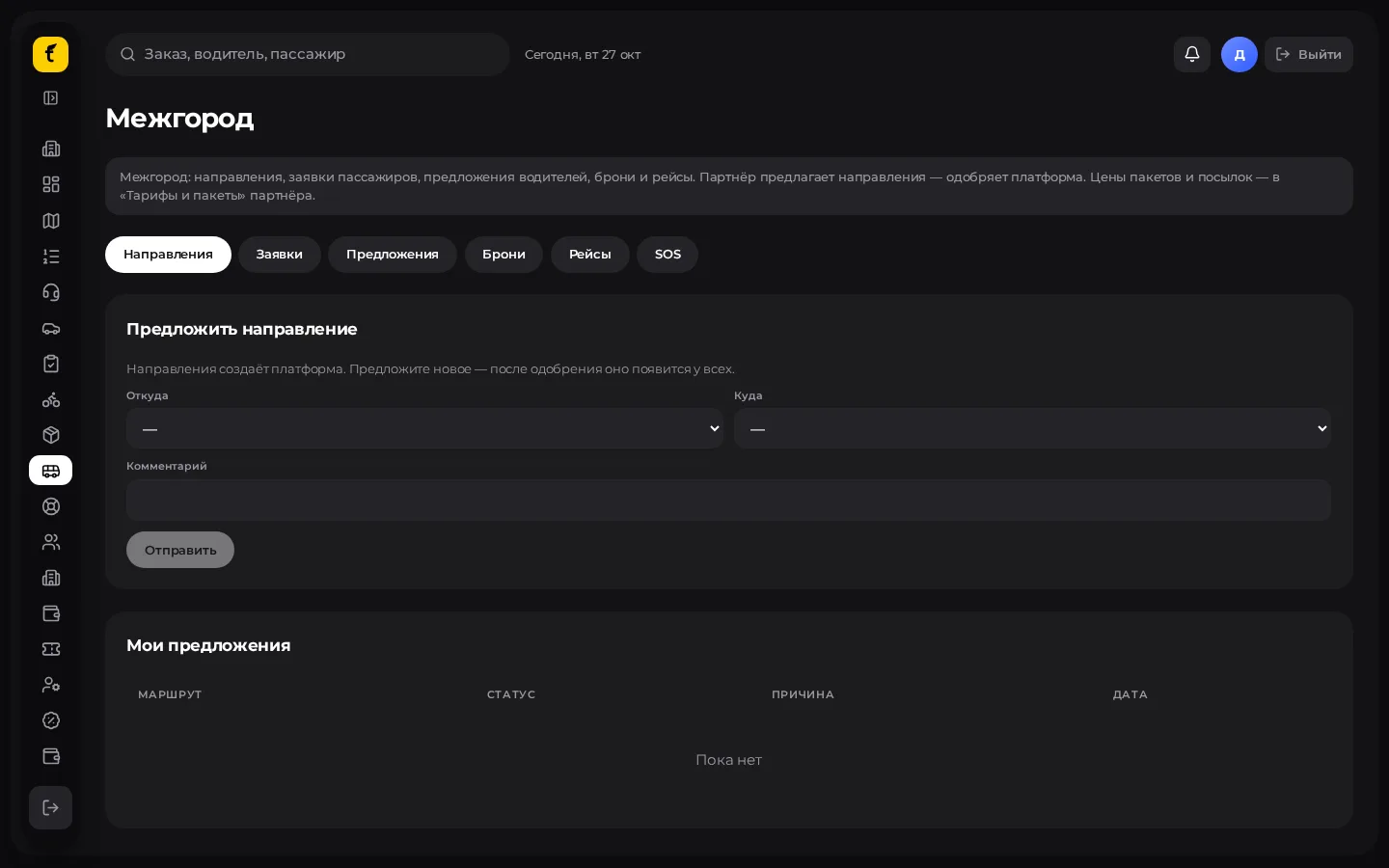
When the section appears
The Intercity («Межгород») module must be connected for the partner. Otherwise there is no menu item.
What the tabs usually contain
| Block | Purpose |
|---|---|
| Routes | Directions (city A → city B), price limits, active flag |
| Requests / feed | Passenger requests, driver responses |
| Trips / bookings | Confirmed rides, seat map |
| Packages | Driver packages for intercity routes |
| Dispatch (Intercity mode) | Creation / handling by an operator |
Check the exact tab names in the cabinet — they may differ between versions.
Route: step by step
- Open Intercity → routes.
- Choose a direction or create a new one (if the partner is allowed to).
- Check the price mode (driver's price within a range / fixed seats — per route settings).
- Turn the route on (active) so it is visible in the app.
Passenger request and driver response
- The passenger creates a request in the app (or an operator does it via Dispatch).
- Drivers on that route see the request and respond.
- The passenger picks a response; the status moves to confirmation / waiting for the driver.
- In the admin panel watch the statuses: waiting for driver, confirmed, arrived, on board, dropped off, completed, cancelled, etc.
Seat map
A seat map is available for minibuses / buses:
- Open the trip / booking.
- Free seats can be selected; the driver's seat and taken seats cannot.
- Save the boarding following the on-screen process.
Route packages
See also Packages. For intercity, prices are often set as package × route. Without an active package a driver may not get access to a route — check the rules of your connection.
Dispatcher and intercity
In Dispatch switch the mode to Intercity («Межгород») to create and handle intercity orders as an operator (the "Dispatcher" source will be visible in the lists).